
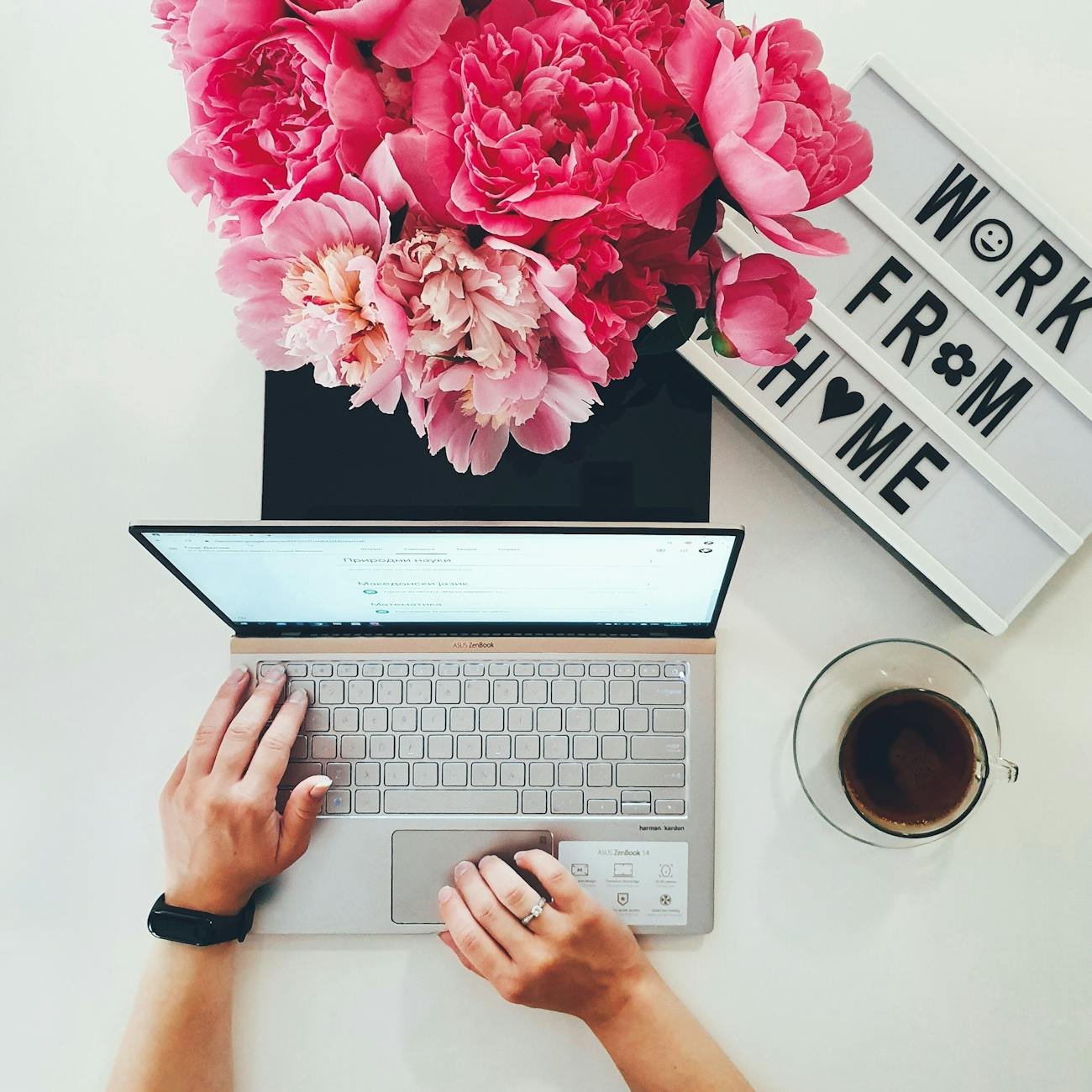
Working from home doesn’t require a fancy office or expensive equipment.
Over time, I’ve learned that a simple and practical work-from-home setup is often more productive than a complicated one. The goal isn’t aesthetics alone — it’s comfort, focus, and efficiency.
Today I’m sharing my work-from-home setup that helps me stay productive without feeling overwhelmed.
If you’re building your own home office, this might give you some realistic inspiration.
Why a Simple Work-From-Home Setup Works Best
When I first started working from home, I thought I needed:
- A large desk
- Expensive office decor
- Multiple monitors
- High-end accessories
But what actually made the biggest difference?
Comfort. Organization. Simplicity.
A clutter-free workspace helps reduce distractions and mental fatigue. And when everything has a place, work feels smoother.
My Simple & Practical Work-From-Home Setup
Here’s exactly what I use daily — nothing excessive, just what works.
1. A Clean, Functional Desk
I use a medium-sized desk that fits comfortably in my space without overwhelming the room.
What matters most:
- Enough surface area for my laptop
- Space for a notebook
- Minimal clutter
- Easy to clean
Keeping my desk mostly clear helps me focus better.
Tip: If your room is small, choose a slim desk design to save space.
2. Comfortable, Supportive Chair
Your chair matters more than you think.
Since I sit for long hours, I prioritize:
- Back support
- Adjustable height
- Comfortable cushioning
You don’t necessarily need a luxury ergonomic chair, but proper support prevents back pain and fatigue.
Comfort directly affects productivity.
3. Laptop Stand for Better Posture
One of the most helpful upgrades in my home office was adding a simple laptop stand.
It:
- Raises the screen to eye level
- Improves posture
- Reduces neck strain
- Makes long work sessions more comfortable
This small change made a big difference.
4. External Keyboard & Mouse
Using a laptop alone can strain your wrists over time.
Adding:
- A wireless keyboard
- A comfortable mouse
creates a more ergonomic work setup.
It also makes typing faster and more natural.
5. Good Lighting (Natural + Desk Lamp)
Lighting is often overlooked in home office setups.
I try to position my desk near a window for natural light. It improves mood and reduces eye strain.
On cloudy days or evenings, I use a soft desk lamp to avoid harsh overhead lighting.
Good lighting = better focus.
6. Simple Cable Management
Messy cables make a workspace feel chaotic.
I use:
- Cable clips
- Small cable ties
- A power strip organizer
Keeping cords controlled makes my desk look cleaner and reduces distractions.
Small detail, big impact.
7. Minimal Desk Decor
I keep decor simple:
- One small plant
- A clean notebook
- A pen holder
- Occasionally a framed quote
Too much decoration can feel cluttered.
A minimal workspace helps me think clearly.
8. Storage Within Reach
Instead of piling items on my desk, I keep:
- A small drawer organizer
- A shelf for documents
- A box for extra tech accessories
Everything has a designated spot.
This reduces time spent searching for things.
How This Setup Improves My Productivity
With this simple work-from-home setup, I experience:
- Less visual distraction
- Better posture
- Reduced neck and back pain
- Faster workflow
- A calmer work environment
I’ve realized productivity isn’t about more equipment.
It’s about intentional choices.
Budget-Friendly Tips for Your Home Office Setup
If you’re building your own work-from-home space, here are my practical tips:
1. Start With What You Have
You don’t need to buy everything at once.
2. Upgrade Based on Discomfort
If your neck hurts, improve screen height.
If your back hurts, upgrade your chair.
3. Keep It Clutter-Free
A clean desk improves mental clarity.
4. Focus on Function First
Aesthetic comes after comfort and practicality.
Frequently Asked Questions About Work-From-Home Setups
What is essential for a simple home office?
At minimum:
- Desk
- Comfortable chair
- Proper lighting
- Laptop or computer
- Basic organization system
Everything else is optional.
How do I make my small space work for remote work?
- Use vertical storage
- Choose slim furniture
- Keep the color palette light
- Avoid over-decorating
Small spaces can still be highly productive.
Final Thoughts: Simple Is Sustainable
My work-from-home setup isn’t complicated.
It’s practical, clean, and comfortable.
And that’s exactly why it works.
If you’re creating your own home office, remember:
You don’t need a Pinterest-perfect space.
You need a setup that supports your body and focus.
A simple, practical work-from-home setup can make daily work feel easier and more enjoyable.
👉 Read more: Shop My Favorites
Disclosure
Some links in this post are Amazon affiliate links. If you purchase through them, I may earn a small commission at no extra cost to you. Thank you for supporting Juneyap.com!